Description
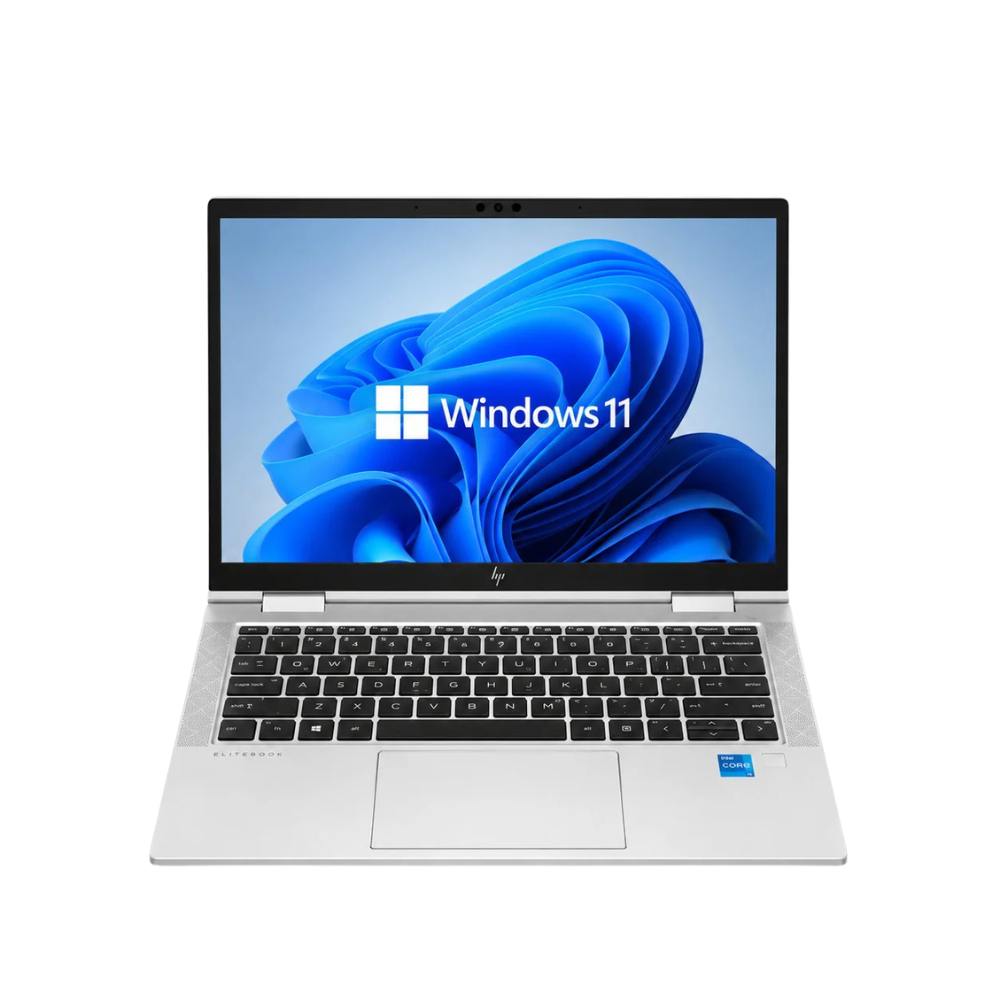
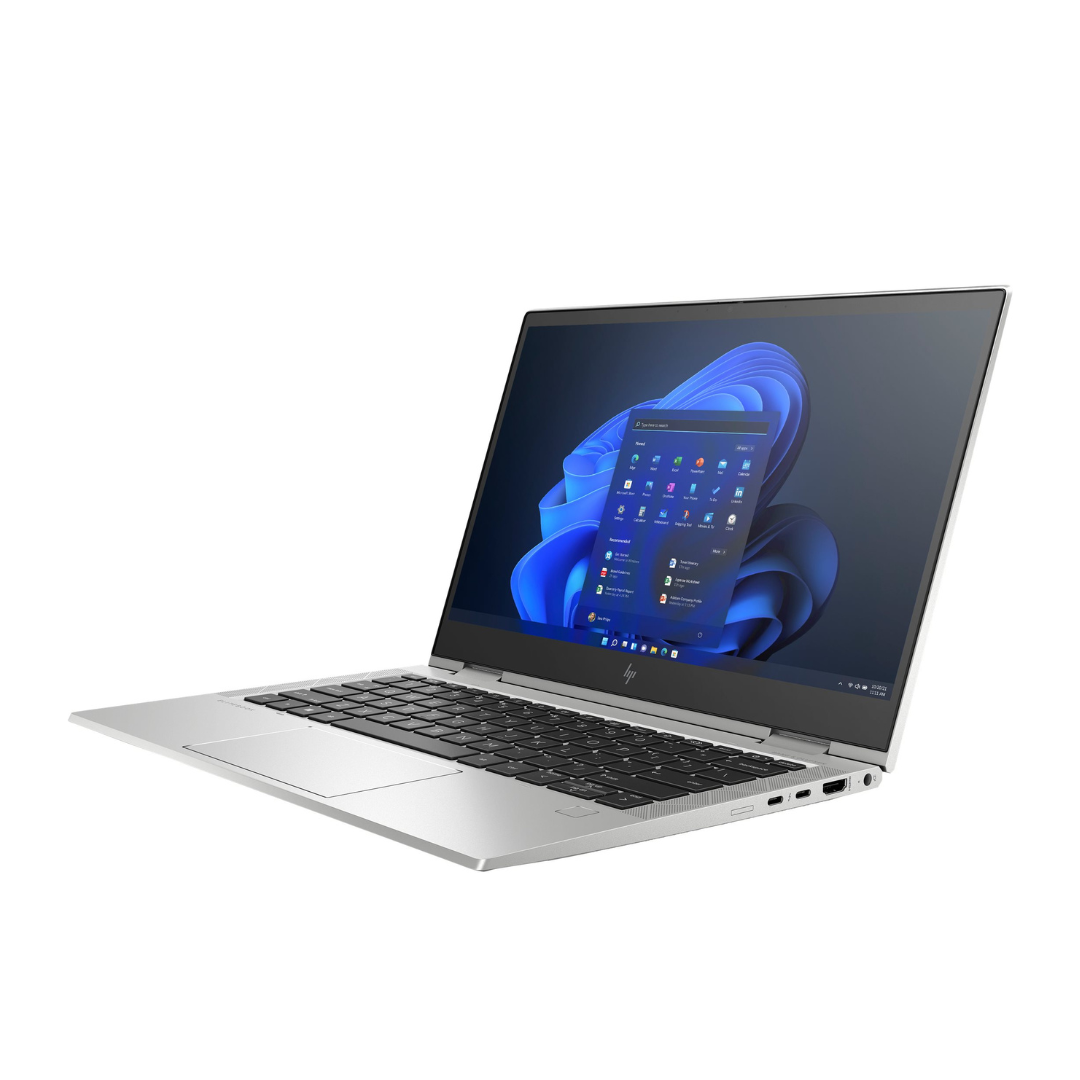
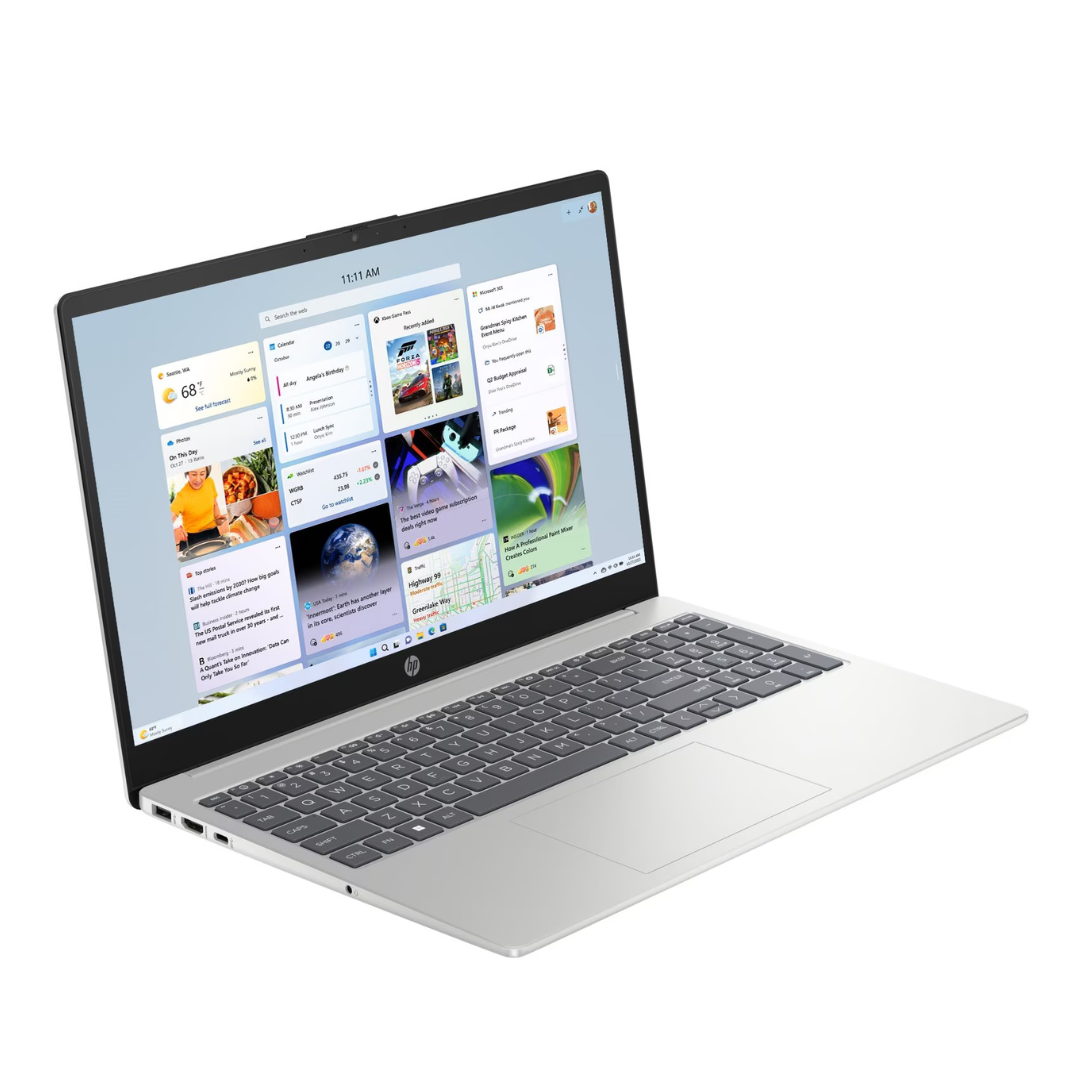
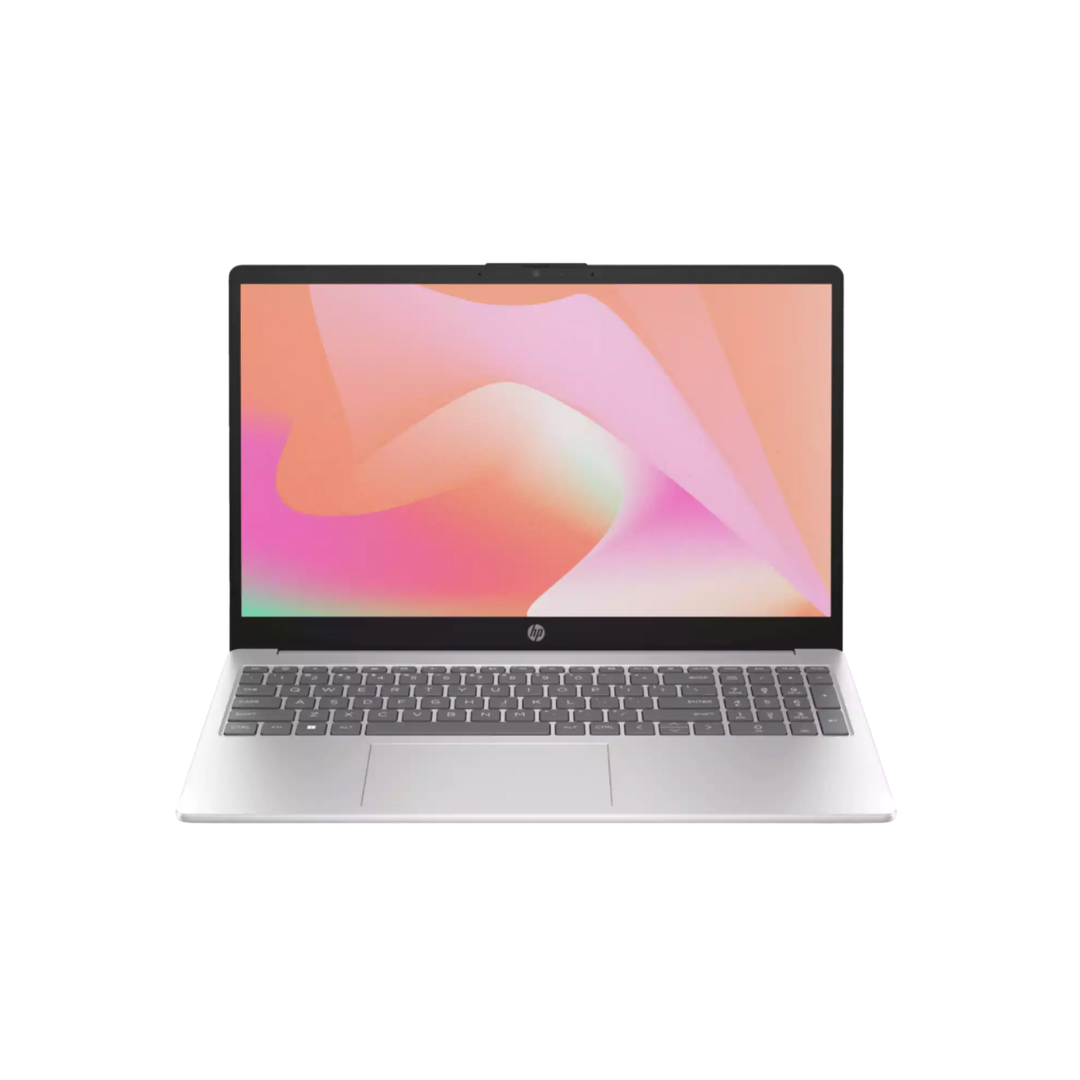
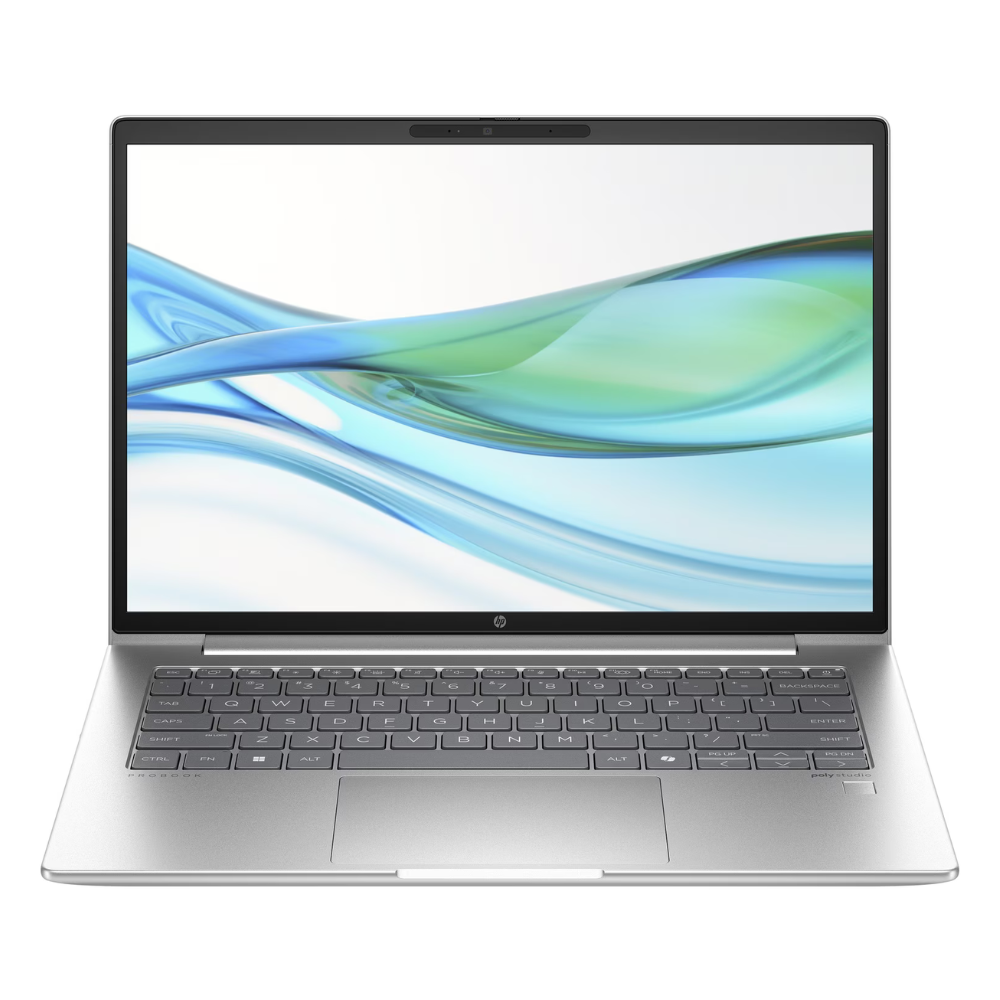
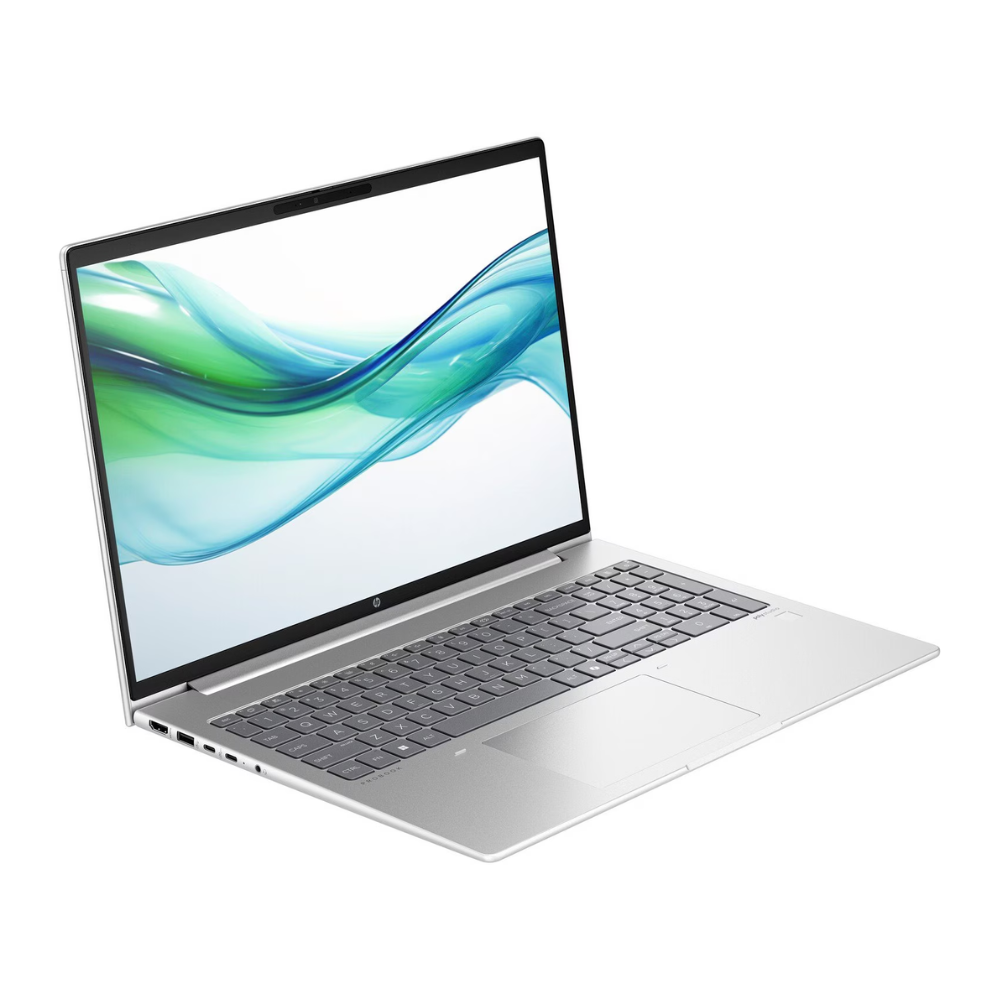
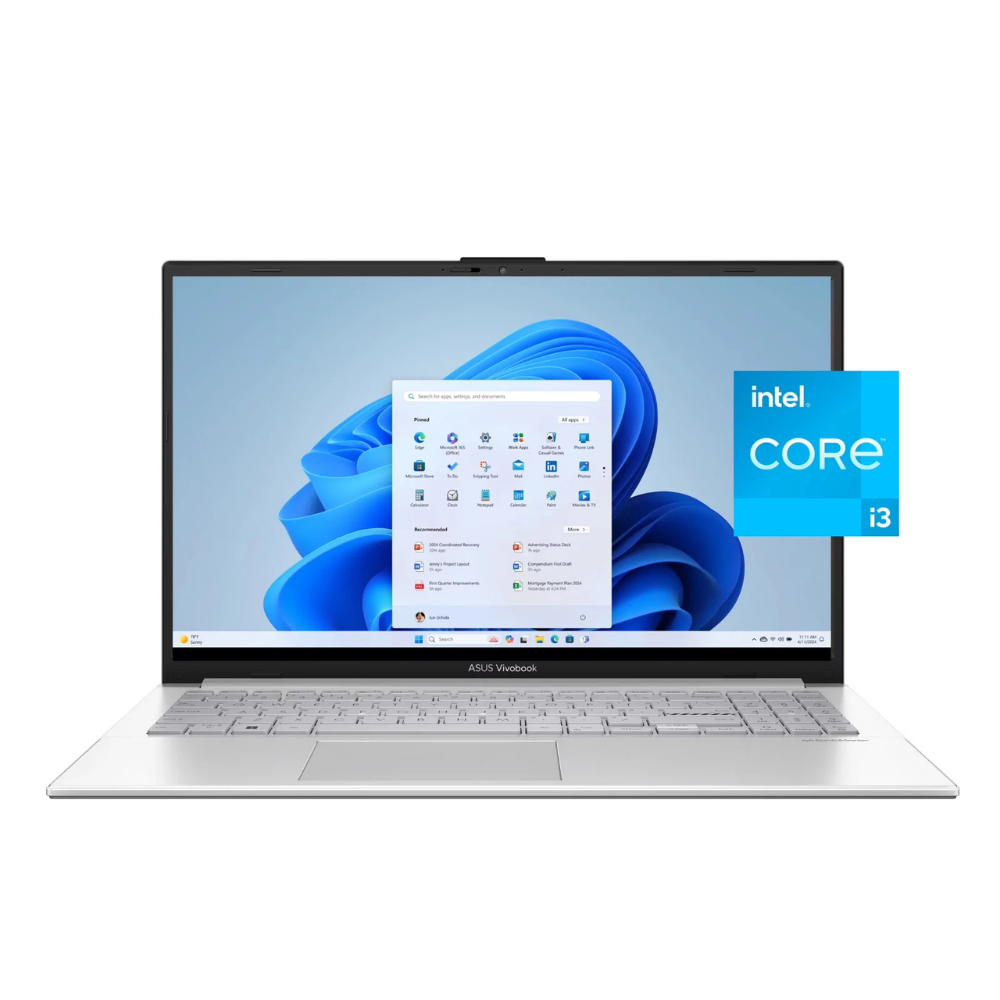
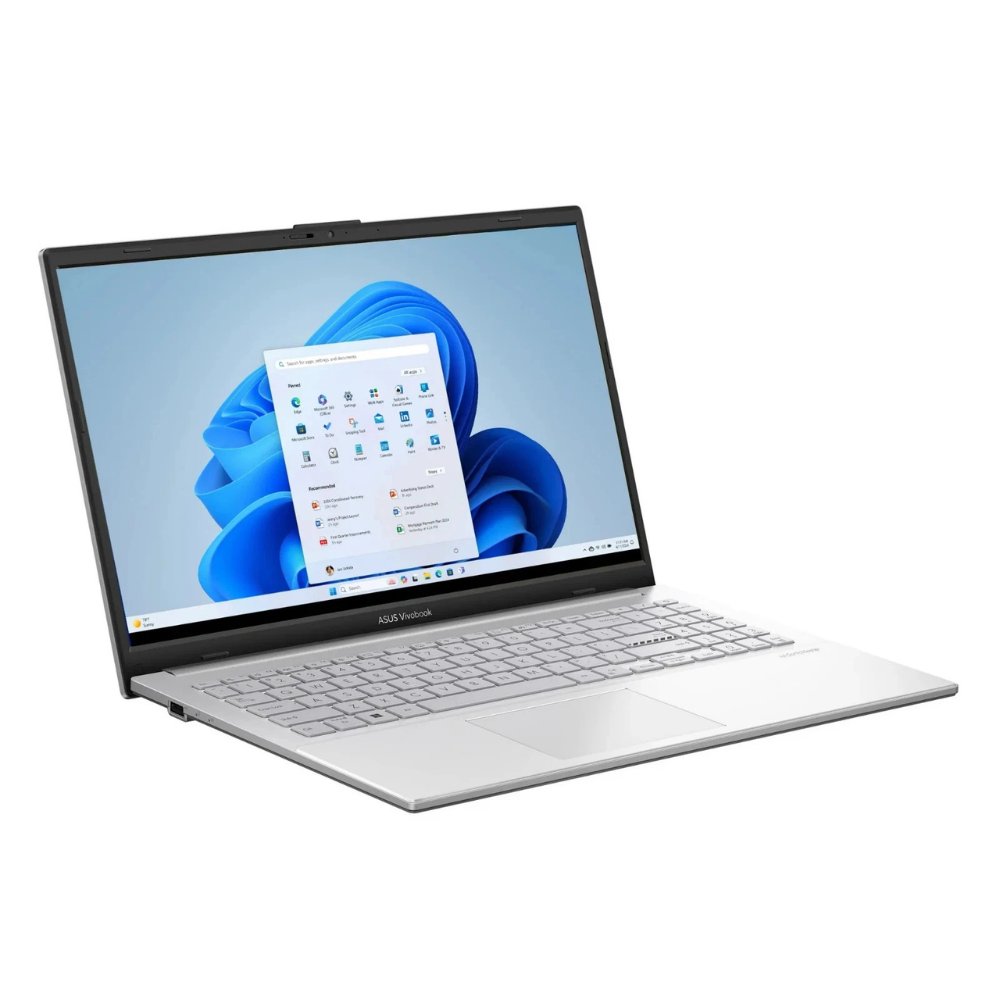
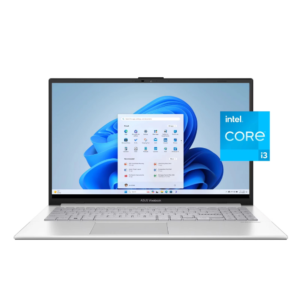
The Asus Vivobook Go 15 (E1504GA-WS35) is a budget-friendly, portable laptop designed for students and office workers.
A quick note on the processor: while you mentioned an “i3-8th gen,” this specific model actually features the Intel Core i3-N305. This is a newer “N-series” chip (released around 2023) that is significantly more efficient and powerful than an older 8th-gen i3, featuring 8 cores rather than the usual 2 or 4.
Technical Specifications
| Feature | Specification |
| Processor | Intel Core i3-N305 (8 Cores, 8 Threads, up to 3.8 GHz) |
| Memory | 8GB DDR4 (Onboard, non-upgradable) |
| Storage | 256GB SSD (UFS 2.1 ) |
| Display | 15.6″ FHD (1920 x 1080), 16:9, Anti-glare, 250 nits |
| Graphics | Integrated Intel UHD Graphics |
| Battery | 42WHrs, 3-cell Li-ion (Supports fast charging: 60% in 49 mins) |
| Weight | ~1.63 kg (3.59 lbs) |
| OS | Windows 11 Home in S Mode |
Key Features & Design
-
Portability: At just 1.79 cm thin and weighing 1.63 kg, it is designed for “on-the-go” use, fitting easily into most backpacks.
-
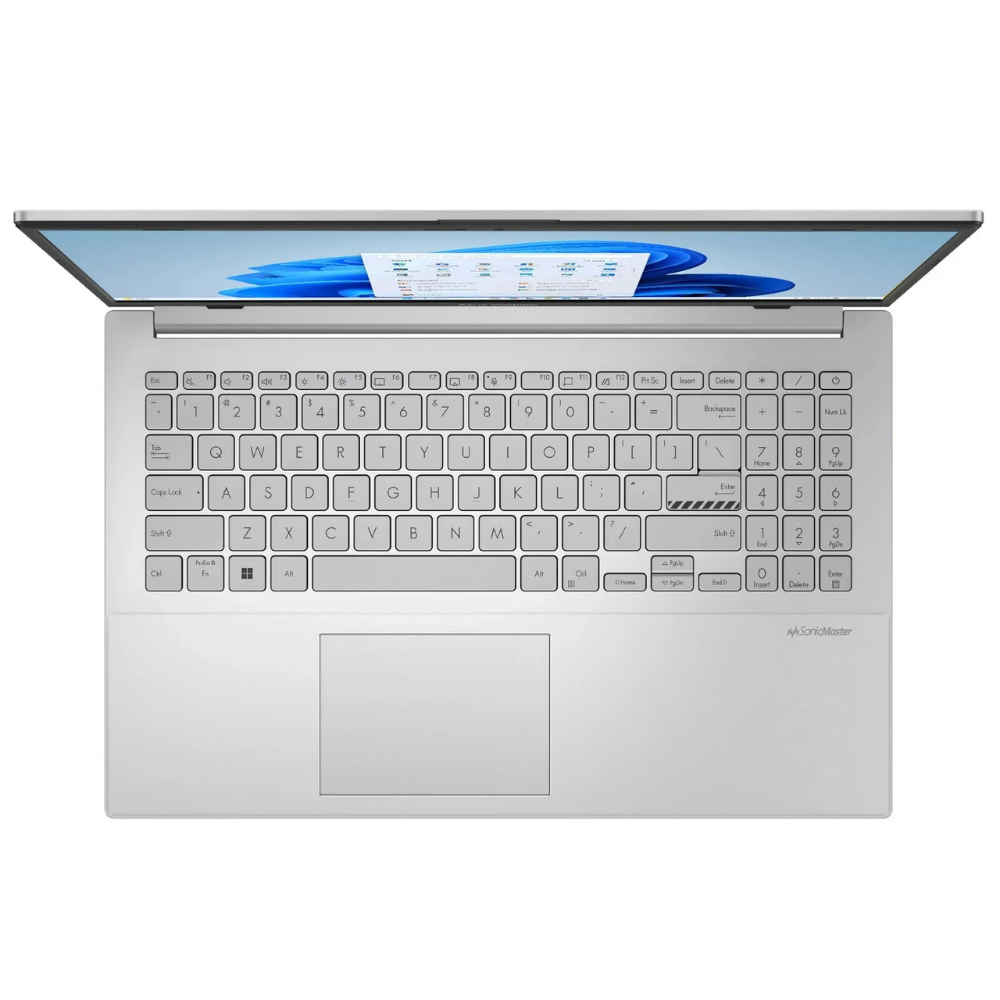
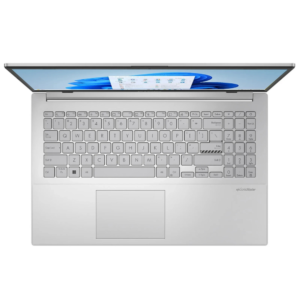
ErgoSense Keyboard: Features a 1.4mm key travel and 19.05mm key pitch (full-size), providing a desktop-like typing feel.
-
180° Lay-Flat Hinge: The screen can tilt back completely flat, making it easier to share your screen with someone sitting across from you.
-
Privacy & Security: Includes a physical webcam shield to block the camera when not in use and a Firmware TPM for data security.
-
Durability: Tested to MIL-STD-810H US military-grade standards, meaning it can handle minor bumps, drops, and temperature extremes better than standard budget laptops.
Connectivity & Ports
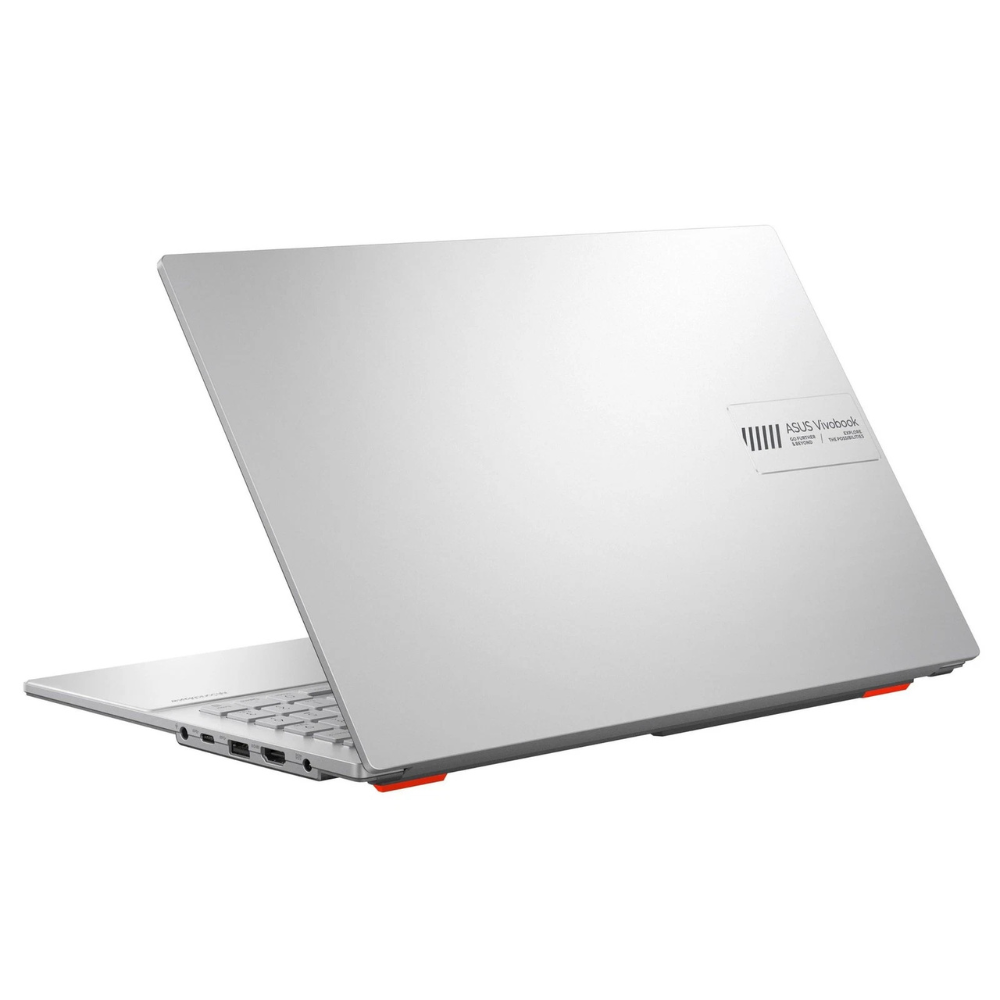
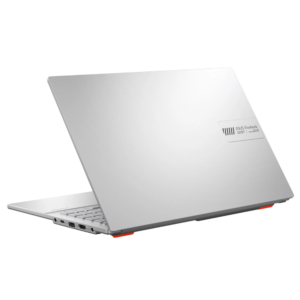
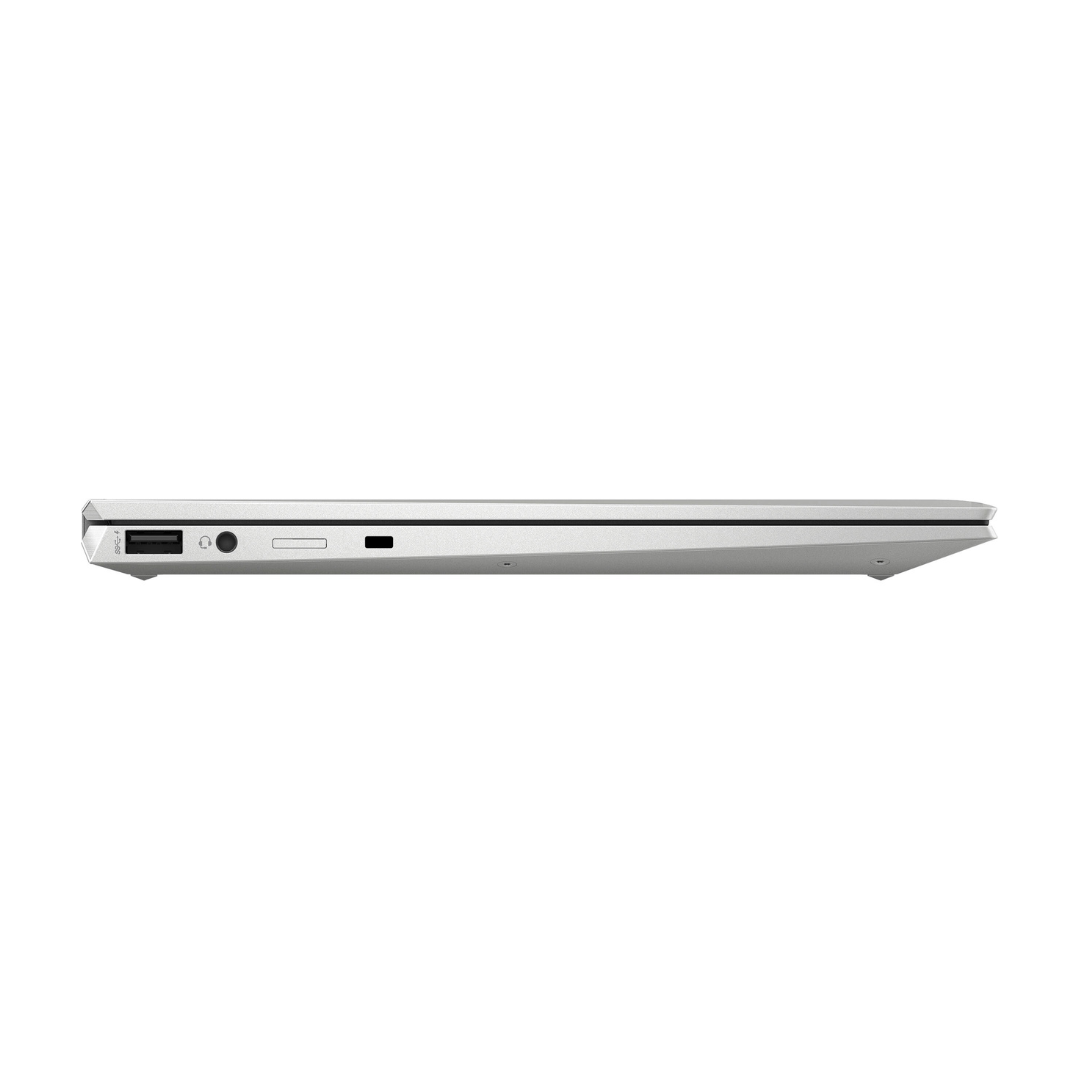
Despite its slim profile, it includes a variety of essential ports:
-
1x USB 3.2 Gen 1 Type-C (Data transfer only)
-
1x USB 3.2 Gen 1 Type-A
-
1x USB 2.0 Type-A
-
1x HDMI 1.4 (For external monitors/TVs)
-
1x 3.5mm Combo Audio Jack
-
Wireless: Wi-Fi 5 or 6E (model dependent) and Bluetooth 5.1/5.3.
Note on Windows S Mode: This laptop usually ships in “S Mode,” which only allows apps from the Microsoft Store for better security. You can switch to standard Windows 11 Home for free in the settings if you need to install third-party apps like Chrome or Zoom directly from the web.


Reviews
There are no reviews yet.